
1.5 KiB
1.5 KiB

Installation Steps
-
Clone the repository:
git clone https://github.com/tl-open-source/tl-rtc-app.git -
Navigate into the project directory:
cd tl-rtc-app -
Install dependencies:
npm install -
Install pm2 globally:
npm install pm2 -g -
Start the super admin API service:
pm2 start npm --name=tl-rtc-app-super-api -- run http-super-apior
pm2 start npm --name=tl-rtc-app-super-api -- run https-super-api -
Start the API service:
pm2 start npm --name=tl-rtc-app-api -- run http-apior
pm2 start npm --name=tl-rtc-app-api -- run https-api -
Start the Socket service:
pm2 start npm --name=tl-rtc-app-socket -- run http-socketor
pm2 start npm --name=tl-rtc-app-socket -- run https-socket
Usage
-
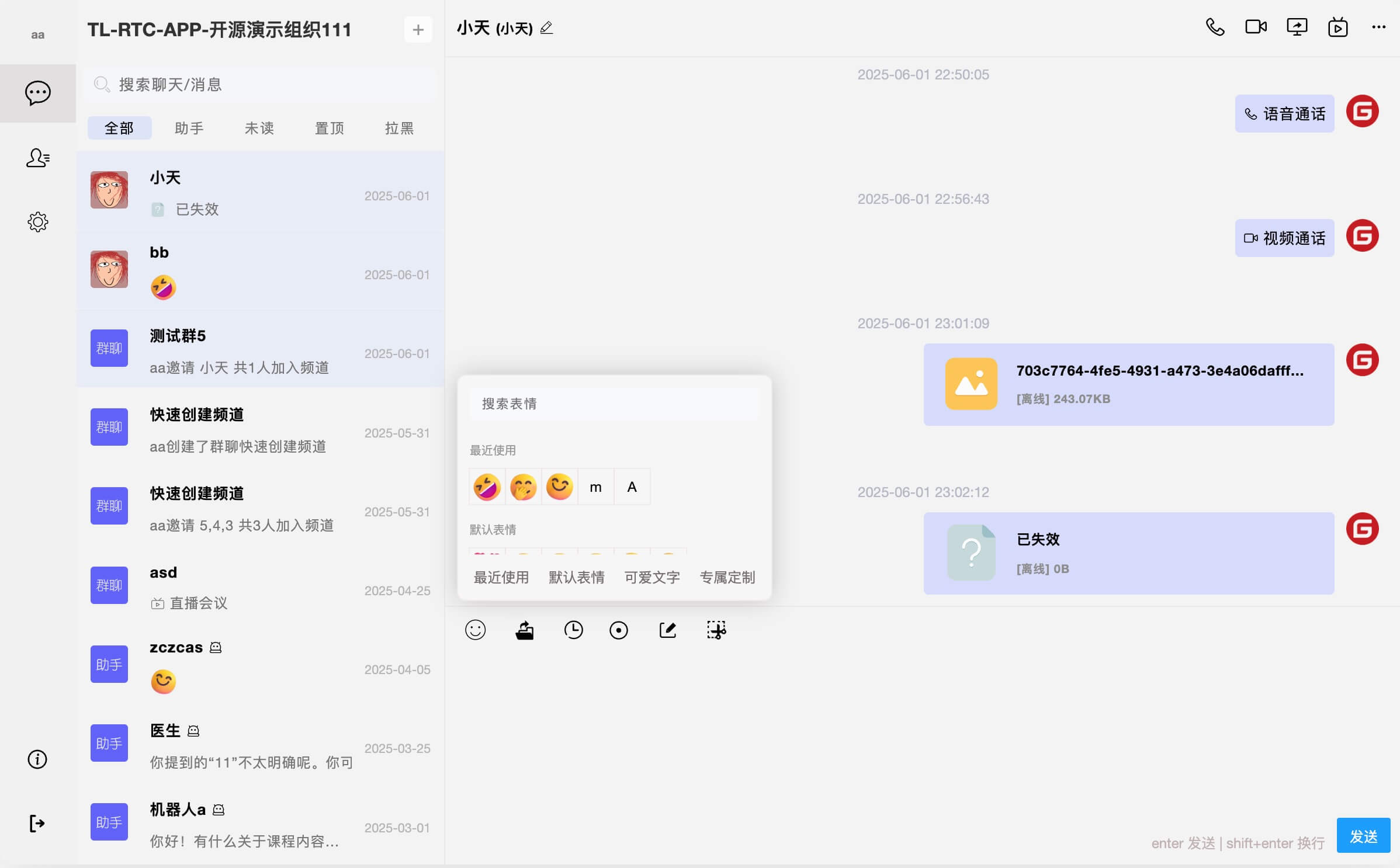
Open your browser and visit
http://localhost:9096(default). -
Use the admin panel for managing the IM application at
http://localhost:9098(default).
License
This project is licensed under the MIT License. For more information, please refer to the LICENSE file.
Disclaimer
For more details, please refer to the DISCLAIMER file.